
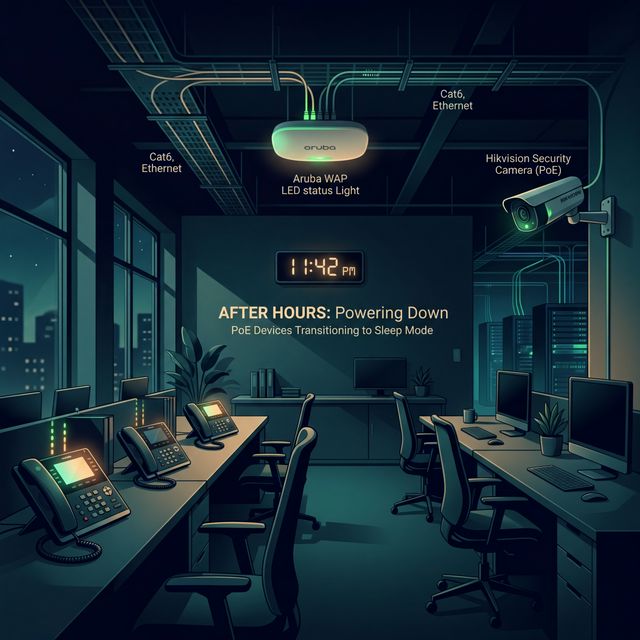
Turn Off PoE Devices Outside Working Hours
Apaga Dispositivos PoE Fuera del Horario Laboral
Your team goes home. Your network should too.
The idea
Many PoE devices — like IP phones, badge readers, access points and cameras, remain fully powered 24/7, regardless of whether anyone is actually using them. While some are critical, many others serve non-essential functions during nights and weekends. This creates a perfect scenario for silent energy waste.
🕐 Your team goes home. Your network should too.
Why it matters
The after-hours window typically represents 65-75% of the total week. If non-critical devices stay on during that time, you’re paying for power that delivers zero value.
- 📱 IP phones on desks — ringing in empty offices from 8pm to 8am
- 📶 APs in meeting rooms — broadcasting SSIDs with zero connected clients
- 🎥 Non-security cameras — monitoring hallways where nothing happens
- 🖥️ Digital signage — displaying content in empty lobbies
65%
of the week is outside working hours
128 of 168 hours (evenings + weekends)
How to apply it
- ✅ Map device schedules to business hours — turn off PoE ports at building close
- ✅ Use PoE scheduling features in your switches (Meraki, Aruba, Cisco support this)
- ✅ Exclude critical devices — security cameras and emergency systems stay on
- ✅ Phase in gradually — start with one floor/zone, measure impact, then expand
⚠️ Pro tip: Start with conference room APs and desk phones. These are the lowest-risk, highest-impact targets for PoE scheduling.
The ZeroNet approach
ZeroNet identifies which devices have activity patterns that drop to zero after hours. It then recommends PoE schedules tailored to each device’s actual usage pattern, no blanket policy, just smart scheduling based on data.
Want to see this in action?
ZeroNet detects these opportunities automatically, no sensors, no agents. Learn more.